
Master SmartArt in PowerPoint & Word
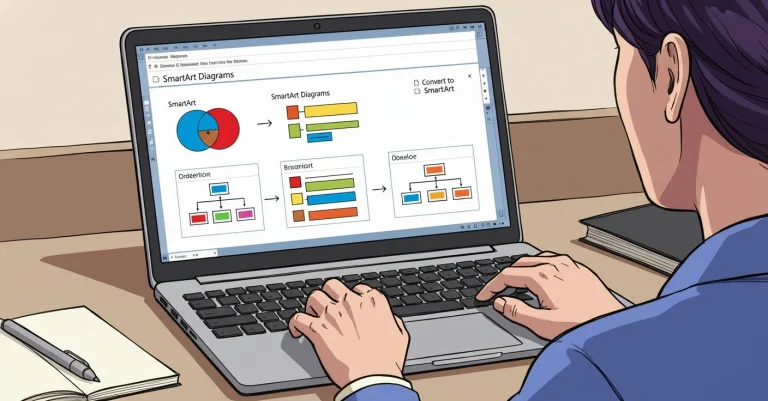
Discover how SmartArt can transform your presentations and documents. Learn to create professional, consistent diagrams in PowerPoint and Word with just a few clicks.

Building Computer Skills to Enable Success
Building Computer Skills to Enable Success
Elevate your presentations with Microsoft PowerPoint. From simple slide decks to multimedia presentations, Microsoft PowerPoint provides a powerful platform for engaging and informative presentations. Collaborate seamlessly with team members across devices and harness the full potential of your presentations with Microsoft PowerPoint.
Discover how SmartArt can transform your presentations and documents. Learn to create professional, consistent diagrams in PowerPoint and Word with just a few clicks.

We’ve all been to the usual stock standard PowerPoint presentations that move through the content from A to Z, but what if you want to cover your material in a non-linear fashion? In this article, Mark Finney, Co-Founder and Facilitator…

Not many people know that you can create a PowerPoint presentation directly from an outline in bullet point form. In this article, Mark Finney, Co-Founder and Facilitator at Keystroke Learning, discusses the advantages of working in Outline View in PowerPoint.…

When it comes to presentations, Microsoft PowerPoint has for decades been the go-to tool for anyone needing to put together a slideshow. But for some time now, there has also been Sway. It’s perhaps a bit misunderstood, so let’s check…

Need to turn a report into a PowerPoint presentation with a minimum of fuss? Read on. A client recently had to set up a presentation quickly. She already had a Word document with the key content but little time to…

Have you ever wished that you have more control over how you can interact with your presentation while you’re talking to your audience? This is something that can help make sure you’re getting your point across and connecting with your…

Within software programs, there are many ways to duplicate objects including traditional methods like copy and paste. However, here’s a way to quickly duplicate objects without using as many mouse clicks: Microsoft Office Other Office Programs Adobe Programs Again, it’s…

A – Too many! Want to know how to add more visual elements and give your slides more visual appeal? Read on for a quick tip. If you found this helpful, let me know in the comments. That’s all there…
Images are very powerful communication tools, but when it comes to presenting information, we often completely forget that and go right ahead with filling our slides with loads of text. In the process we often bury the message, leaving us…